

Magic Shake
Unlimited Shake Preset pack for After Effects

Comes in 5 styles
- Universal
- Zoom Punch
- Bounce Soft
- Axis X
- Axis Y
Supported Resulotions
- 4K Vertical (2160 x 3840)
- 4K Horizontal (3840 x 2160)
- FHD Vertical (1080 x 1920)
- FHD Horizontal (1920 x 1080)
Supported Frame Rates
- 23.976
- 24
- 25
- 30
Additional Info
- 100% Customizable
- No plugin required
- Drag and Drop
- Works on After Effects 2023 to 2025
- Full documentation - Click to preview
SUPER SMOOTH ZOOMS IN 3 CLICKS
Add professional zoom in & outs without touching keyframes.
-
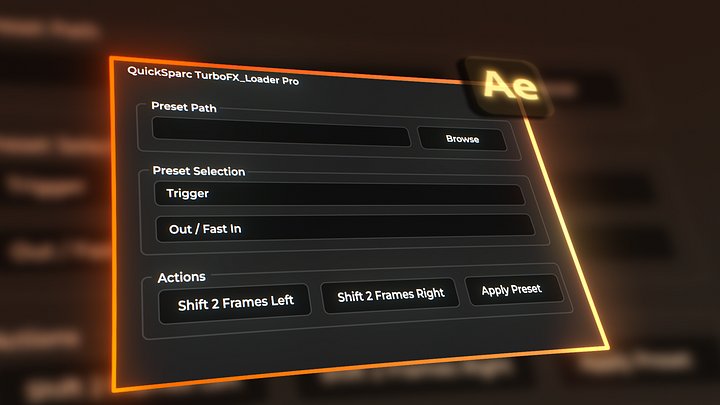
Select your layer
-

Choose a style & preset
-
Hit Apply
An adjustment layer is created automatically — perfectly matched to your clip length.
Just pick your focus point and you're done.
Smooth. Fast. Effortless.
Built for Speed. Designed for Flow.
No complex setups. No messy timelines.
Your adjustment layer is created automatically and perfectly matched to your selected clip.
Everything is structured for you — clean, organized, and ready to go.
Just set your focal point and let the zoom do the rest.
Professional results. Zero friction.
Edit Faster. Deliver Sooner.
Stop wasting time animating scale and position by hand.
Apply cinematic zooms in seconds — perfectly timed, perfectly smooth.
No digging through effects. No repetitive keyframing.
Spend less time setting up.
Spend more time creating.
No Extra Plug-Ins Required
Works natively inside After Effects.
No Sapphire.
No third-party effects.
No additional purchases.
Install the extension and start creating smooth, cinematic zooms instantly.
Everything you need is already built in.
16 Precision-Crafted Presets. Endless Impact.
Not hundreds of random effects.
16 custom-made zoom presets — carefully studied from 1000+ music videos —
designed to give you the exact cinematic feel modern edits demand.
4 unique styles.
Zero guesswork.
Only what actually works.
A Zoom System. Not Just Presets.
No guesswork. No random combinations.
Your workflow is structured and simple:
Start with Trigger
Build momentum with Motion
Finish strong with Finale
Or use Solo anytime.
Every preset is clearly named and designed to work together —
so your edits flow naturally from start to finish.
Fast. Clean. Effortless.
MASTER TURBOFX PRO FROM DAY ONE
This step-by-step tutorial covers everything — from installation to using TurboFX Pro in real-world edits.
Learn how to apply presets correctly, build flow with Trigger, Motion, Finale, and Solo, and use the system confidently in music videos and client projects.
Start fast. Edit smarter.
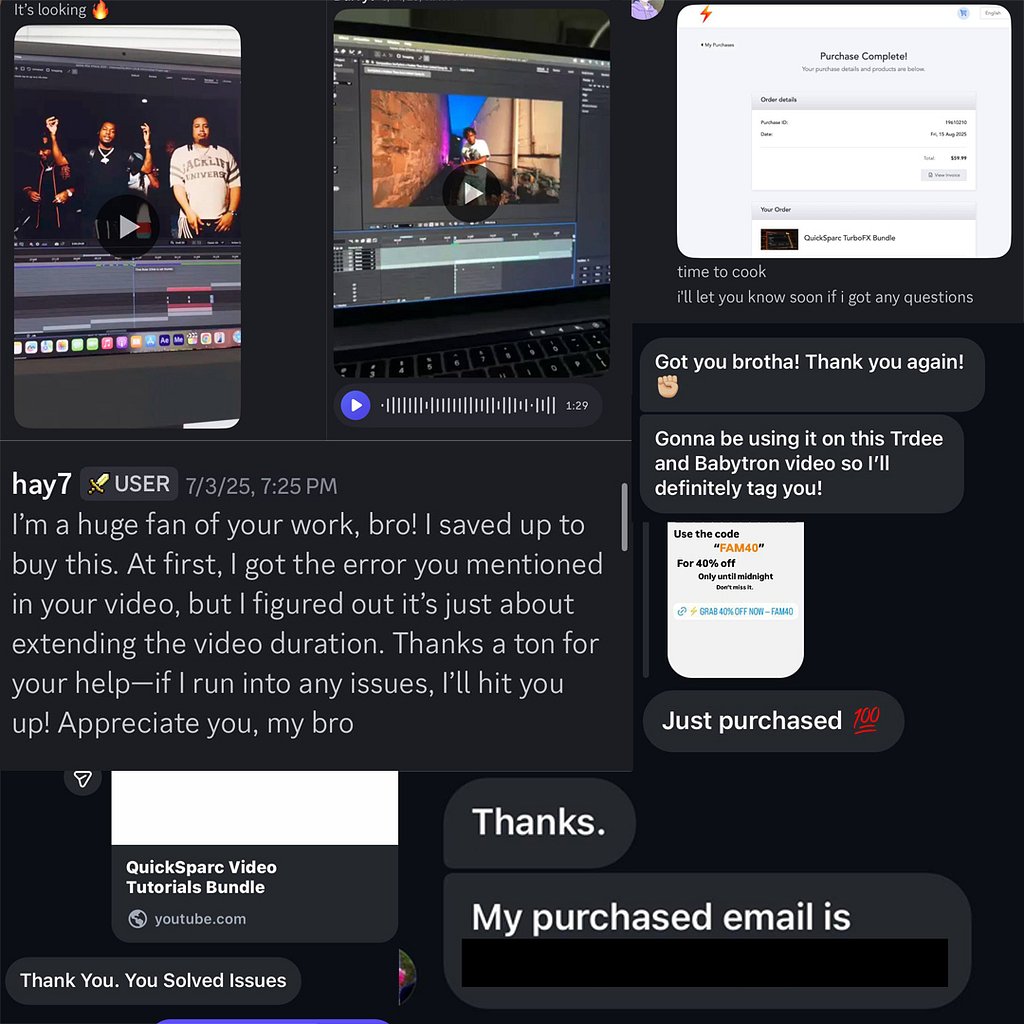
Real Editors. Real Results.
These are real messages from creators who purchased TurboFX Pro and started using it in their projects immediately.
From music videos to client work, editors are seeing faster workflows, cleaner timelines, and stronger visual impact.
No hype. Just real feedback from real users.